This is something I come across a lot, particularly with older laptops. Everything's been fine for ages, then out of nowhere it feels like you're working on a potato. Apps are crawling, the fan is going absolutely mental, and the bottom of the laptop is warm enough to cook on.
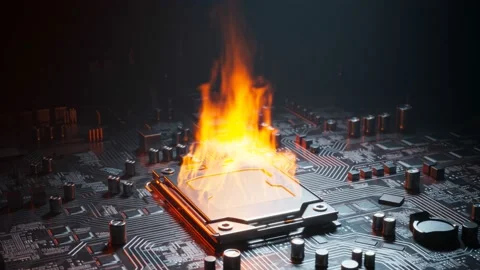
But why does this happen?
Your laptop is actually trying to look after itself. The harder your processor works, the more heat it produces and that heat needs somewhere to go. Inside your laptop there's a small cooling system; heat pipes pull the heat away from the processor, a heatsink disperses it, and a fan pushes it out through the vents.
The problem is dust. Over time it builds up inside the vents and around the fan, and when airflow gets blocked the heat just sits there. When things get too hot, the processor deliberately slows itself down to cool off. That's thermal throttling, your laptop kneecapping its own performance to stop itself from overheating.
It works, but the side effect is that your laptop feels terrible to use.
The good news is it's usually a straightforward fix. A proper clean out can make a huge difference, and on older machines replacing the thermal paste can help too. It's the compound that sits between the processor and the cooling system and it dries out over time, stopping it from doing its job properly.
So if your laptop has been sluggish and running hot, don't write it off just yet. It might just need a bit of TLC.
Need help with your device?
We come to you across Winterton, Scunthorpe and North Lincolnshire.
Book a Visit →